St. Paul network
Local channel names, keys, nodes, and meetups. New here? Start with the Meshtastic or MeshCore setup guide.
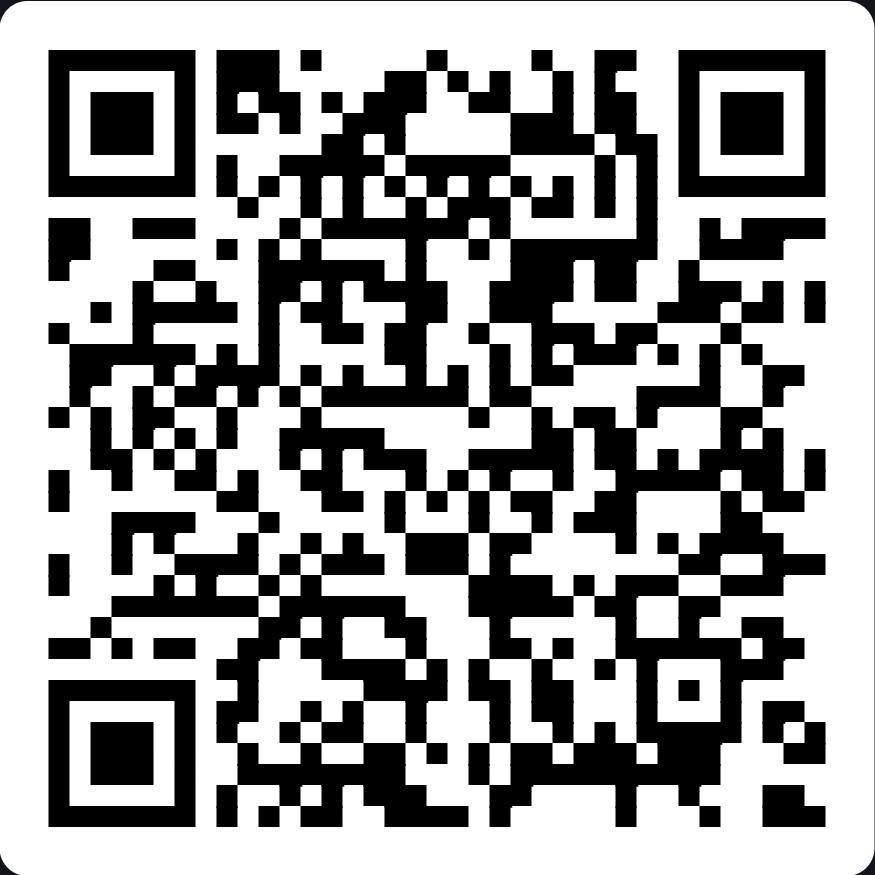
Meshtastic: West7th
- Region: US
- Channel name:
West7th - Key (PSK, base64):
iM46Vru/iTYRJm4NaySSdIeFrOTPEglHjE5Am3sqh+w= - Modem preset: Medium Fast. New radios start on Long Fast (or Long Turbo, on some newer firmware), and neither can hear Medium Fast, so you must change it or you will not hear local nodes.
Step-by-step setup
- Install the app on your phone: App Store or Google Play.
- Flash the radio. On a computer, open flasher.meshtastic.org in Chrome or Edge. Plug the radio in with a USB cable that carries data (some charge-only cables will not work). Pick your device model, choose the latest stable firmware, and follow the prompts to flash. Attach the antenna before powering on.
- Connect your phone. Open the app, tap the connect (Bluetooth) option, and choose your radio. Enter the pairing PIN shown on the radio's screen. Radios with no screen usually use the default PIN
123456. - Set the region. Go to Settings → LoRa (on iPhone: Settings → Radio Configuration → LoRa) and set Region to US.
- Set the modem preset. On the same LoRa screen, set Modem Preset to Medium Fast. Save, and let the radio reboot.
- Add the West7th channel. Go to Settings → Channels and add a channel. Name it
West7thexactly (capitalization matters), paste in the key above, and save. Leave your primary channel as it is, because Meshtastic picks its radio frequency from the primary channel’s name. - Test it. Open the West7th channel and send a message. Place the radio near a window or outdoors, high up with the antenna pointing up.
Menu names change between app versions. If something looks different, check the official docs at meshtastic.org.
MeshCore: West Seventh
- Channel name:
West Seventh - Secret (hex):
56c32ef69e219934286ef2982c2db0fb
Known nodes & repeaters
We are still building a list of local nodes and repeaters. To see what is on the air near St. Paul right now, check the live maps: the MeshCore map and the Meshtastic map. They only show nodes whose owners chose to share them.
Host a node and want it listed here? Contact us with its name, general area and radio type. Please do not send exact home addresses.
Meetups & chat
Ask questions, get help setting up, and hear about local meetups in our Signal group or on Discord.
 Join our Signal group
 Join our Discord group
You will need the free Signal or Discord app. Please follow our etiquette guidelines and keep personal details out of the group.
Want to host or list a node? Use the contact page or email admin@stpaulradioauthority.com.